- Visit the login page and click "Create a new account". (https://portal.pureskyenergy.com/login).
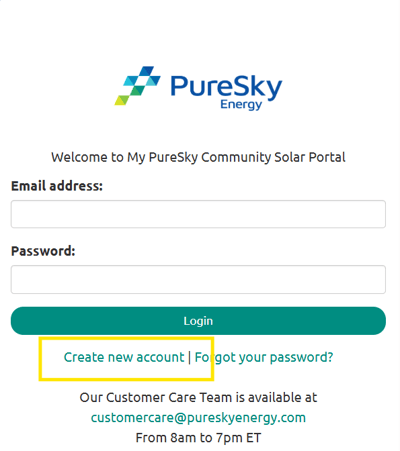
- Make sure to enter the email address you used to sign up with PureSky Community Solar. Choose a secure password and click "Create Account".
- Check your inbox for a confirmation email from customercare@pureskyenergy.com and click the confirmation link. We recommend adding this email to your contacts. You must click this link to access your online account.
- Use your credentials to log in to your My PureSky Community Solar account after you complete your confirmation.
English